Tutorials
One job, start to finish.
Short walkthroughs built around a task you actually have, not a tour of a panel. Most run under two minutes.
Start here: ROM in five minutes
Feature video — add the id in ROM Site Setup or the page editor
Free tools, real jobs.
Every one of these uses a tool included with Starter, so you can follow along without buying anything.
Mirror a pose to the other side
Walkthrough coming soon
Mirror a pose to the other side
Save a pose, then mirror it 1:1 — including the controls most tools drop.
Free Pose Browser
Put a blocked shot on twos
Walkthrough coming soon
Put a blocked shot on twos
Snap timing to twos and read the real spacing in the timing strip.
Free Quantize
Read an arc before you polish
Walkthrough coming soon
Read an arc before you polish
Turn on a trail, colour it by velocity, and find the frame that breaks.
Free Motion Trails
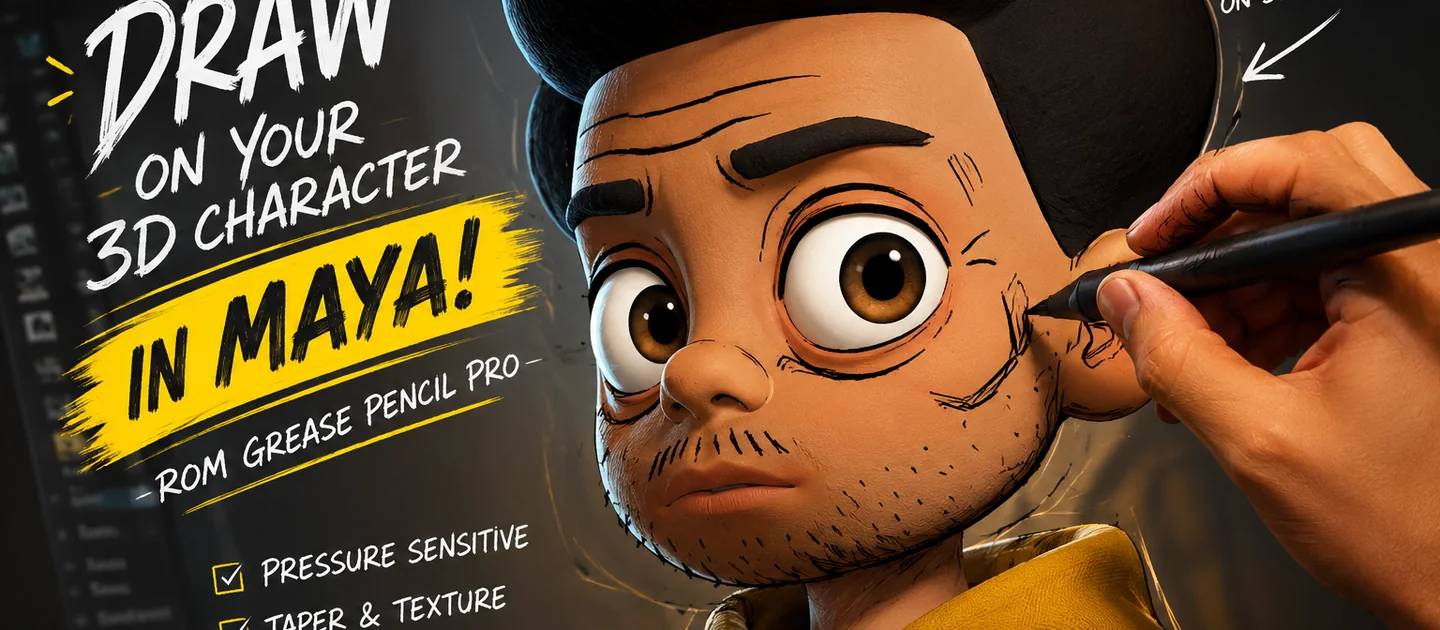
Sketch over the viewport
Walkthrough coming soon
Sketch over the viewport
Plan the arc as a drawing, on top of the shot, with a tablet.
Free Grease Pencil
Nudge keys without the graph editor
Walkthrough coming soon
Nudge keys without the graph editor
Copy, paste-relative and offset from one dockable belt.
Free Key Toolbelt
Navigate a long shot
Walkthrough coming soon
Navigate a long shot
Name the ranges you keep scrubbing to and jump between them.
Free Time Bookmarks
Production work, with Pro.
The specialist jobs — overlap, mocap, smears, game delivery.
Add overlap to a tail in one pass
Walkthrough coming soon
Add overlap to a tail in one pass
Bake spring overlap, then keep animating on top of plain keys.
Pro Overlap/Follow-Through Pro
Clean a noisy mocap clip
Walkthrough coming soon
Clean a noisy mocap clip
Despike and smooth without flattening the performance, then lock feet.
Pro Mocap Cleanup + Retarget
Make a smear that survives review
Walkthrough coming soon
Make a smear that survives review
A screen-space smear on a duplicate — the rig is never touched.
Pro Smear Pro
Hit a triangle budget
Walkthrough coming soon
Hit a triangle budget
Check the asset against the budget before you start cutting.
Pro Game LOD Pro
Your next shot is waiting.
Download ROM Starter free, launch it inside Maya, and feel the difference on your very next pose.