Getting started · ROM AnimTools 6.4.7 · Hub 2.4.11
From download to first pose.
Four steps, about ten minutes. You do not need a licence key to start — Starter is free and does not expire.
-
1
Download ROM Hub
ROM Hub is the workspace every ROM tool lives in — it runs inside Maya, manages your installed tools and updates, and holds your licence. You install the ROM AnimTools suite once, then work from one customer workspace inside Maya.
-
2
Run the installer, then restart Maya
The installer writes the ROM module into your Maya preferences and leaves your existing scripts alone. When Maya restarts you will have a ROM menu in the main menu bar.
-
3
Sign in, or just start
Starter needs no key — open ROM Hub and the free tools are already there. If you have bought Pro, open My account → Licences on this site, copy your key, then paste it into ROM Hub → License and activate.
-
4
Spend five minutes in one tool
Do not open all of them. Pick the one closest to the shot you are working on right now and use it for one real task — that is when it stops being a plugin and starts being your workflow.
Your first five minutes, free.
These are included with Starter and stay free forever. Each one is a single thing you can try on the shot already open in front of you.
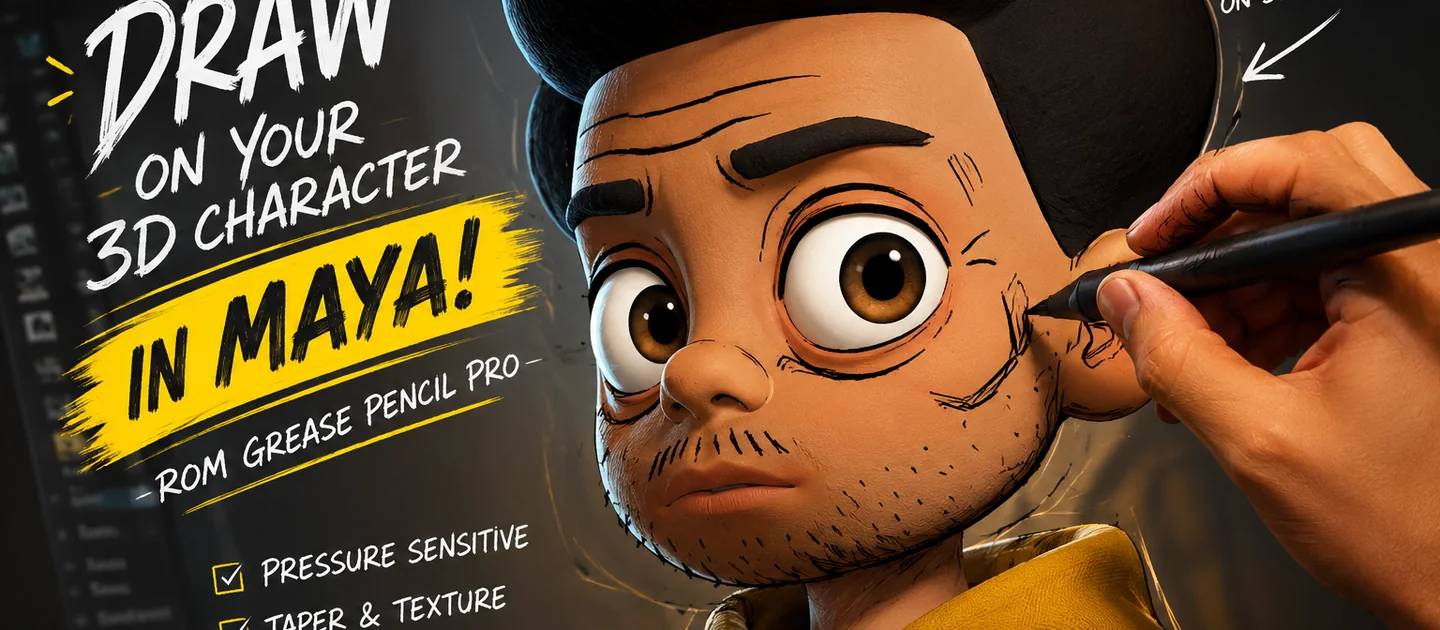
Draw over the viewport with a tablet. Sketch the arc you want before you touch a control.
Dock the belt where you want it and nudge a key by an exact amount. Paste-relative lands where you expect it to.
Turn on a trail and look at the path your animation is actually travelling. Colour it by velocity to see spacing problems.
Save a pose you like, then apply it to the other side of the body with the mirror. That one action is the fastest way to feel what ROM does.
Take a blocked shot and snap it to twos. Read the timing strip — it shows the spacing that is really in your curves, not a guess.
Mark the range you keep scrubbing back to and name it. On a long shot you stop hunting for frame numbers.
When something goes wrong.
No ROM menu in Maya
Restart Maya first — the module loads at startup. If it is still missing, ROM Hub → Diagnostics lists every Maya version it detected and the module path it wrote.
My key will not activate
Check the key against My account → Licences (copy it fresh rather than retyping). Activation needs an internet connection the first time; after that Pro runs offline for the grace period on your plan.
A tool is greyed out
That tool is Pro. Starter includes the everyday set; the specialist and production tools unlock with Pro. Nothing is time-limited — Starter does not expire.
Still stuck
The docs cover every tool in depth, and support answers directly. Include your Maya version, and the email you purchased with if it is a licence question.
Your next shot is waiting.
Download ROM Starter free, launch it inside Maya, and feel the difference on your very next pose.