ROM AnimTools 6.4.7 · ROM Hub 2.4.11 · Maya 2022–2027
Your whole toolkit, one window.
ROM Hub runs inside Maya. Launch tools, manage Marketplace assets, check updates, read documentation, learn workflows, activate your licence and diagnose problems from one customer workspace.
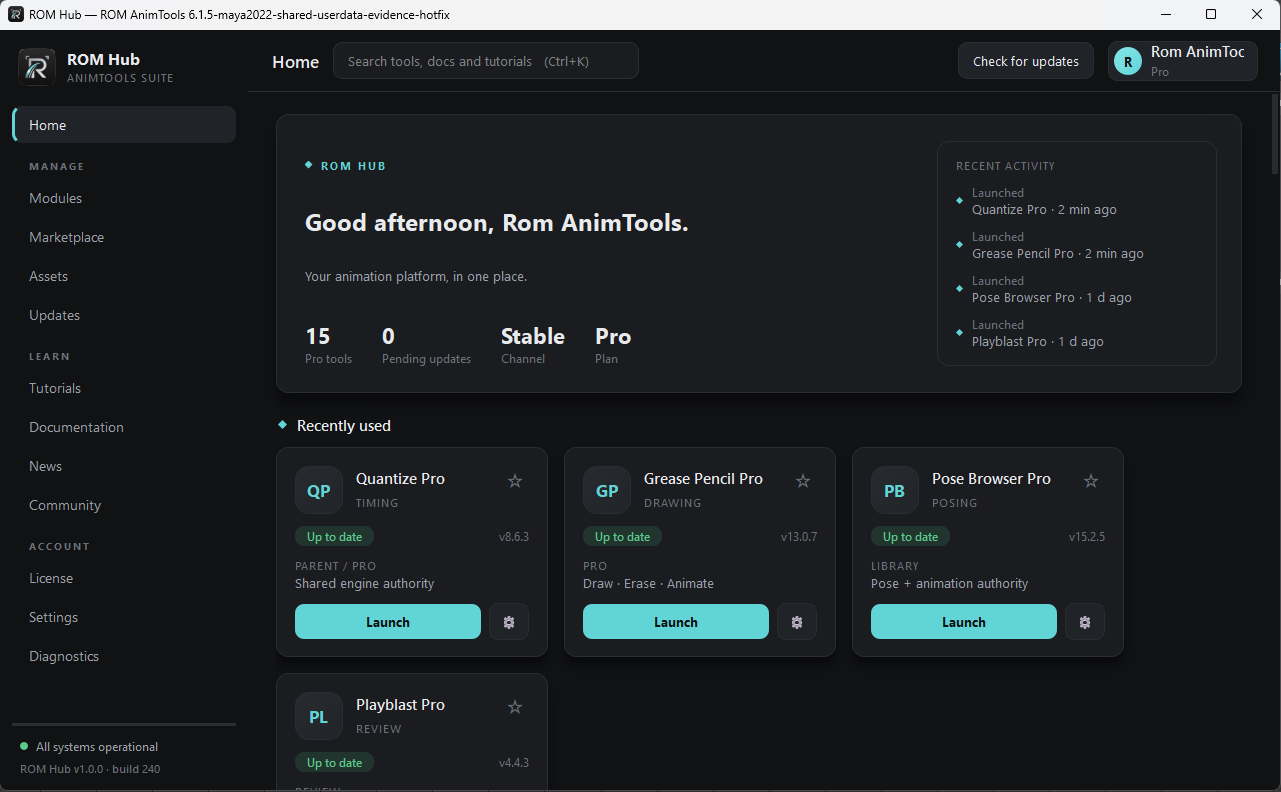
The same product story on the website and in Maya.
The website explains the platform; the Hub is the product surface customers use every day. Names, categories, learning routes, news and Marketplace language now stay aligned across both.
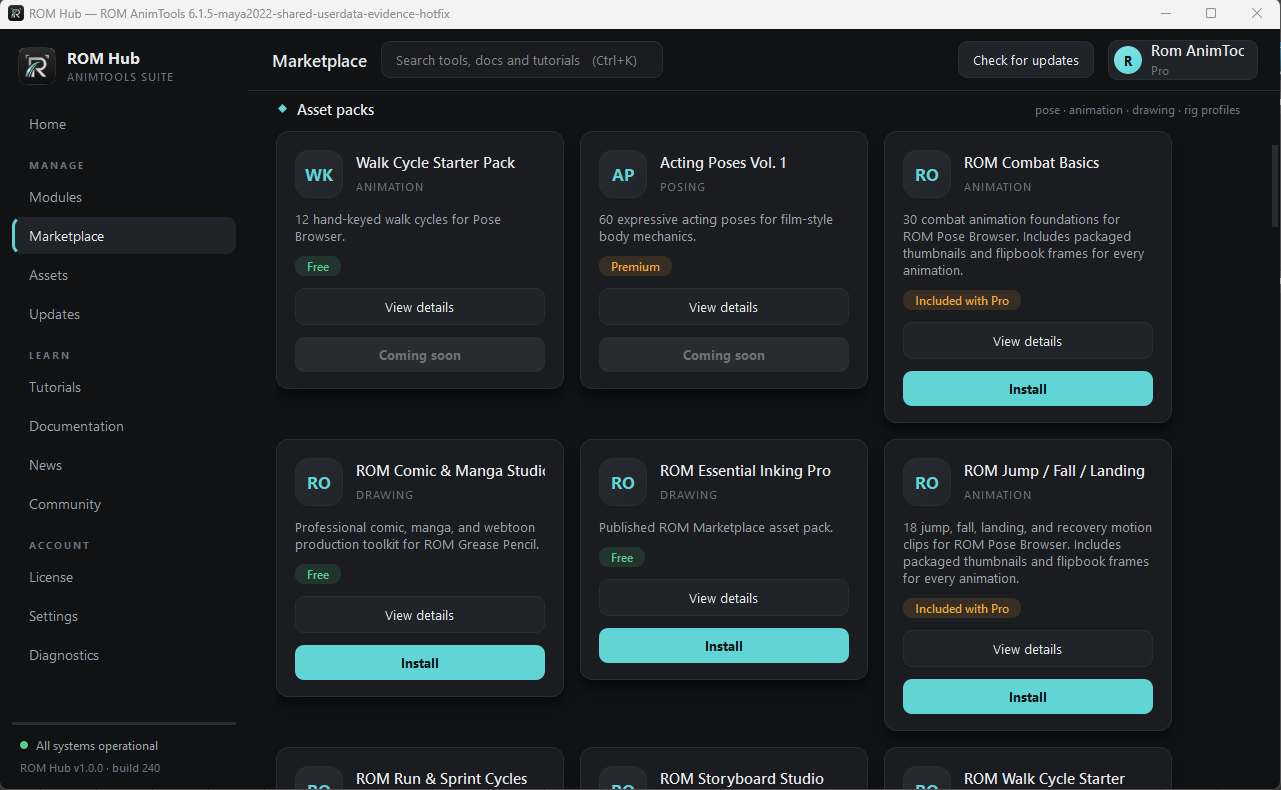
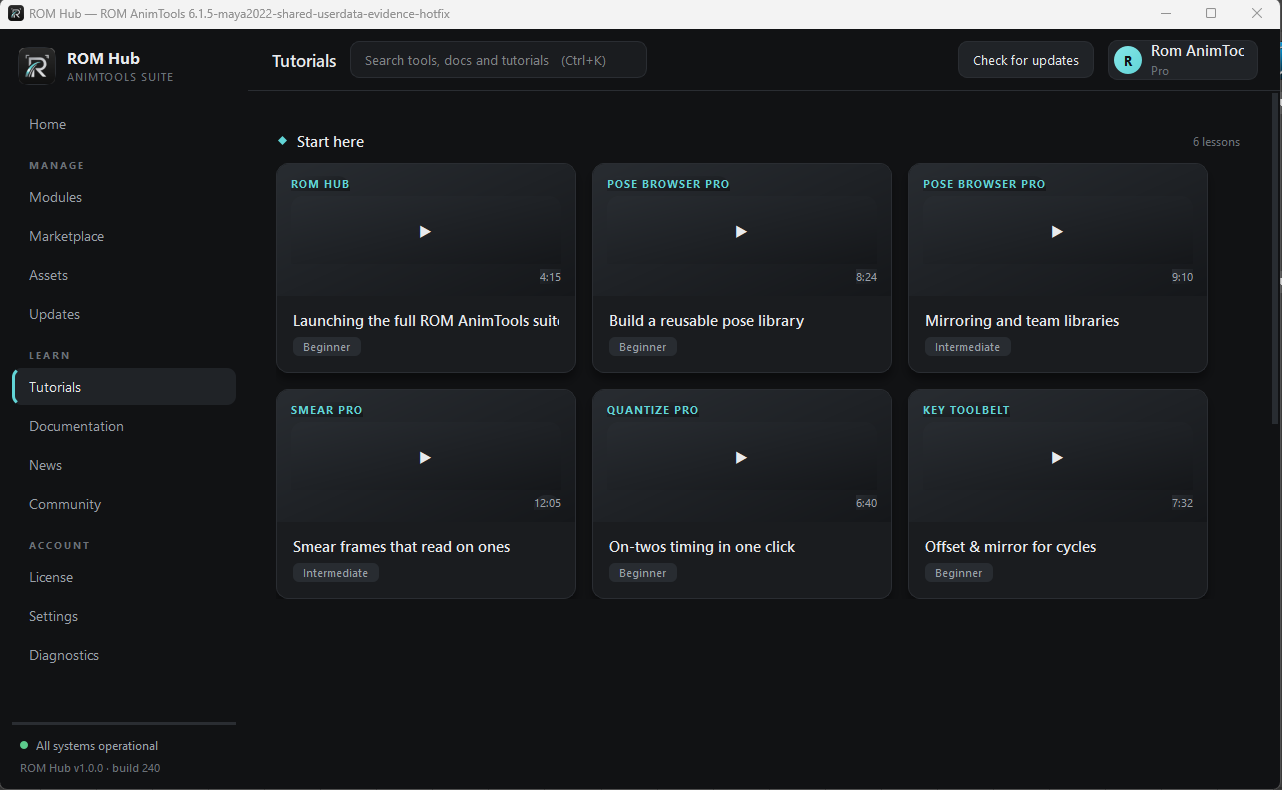
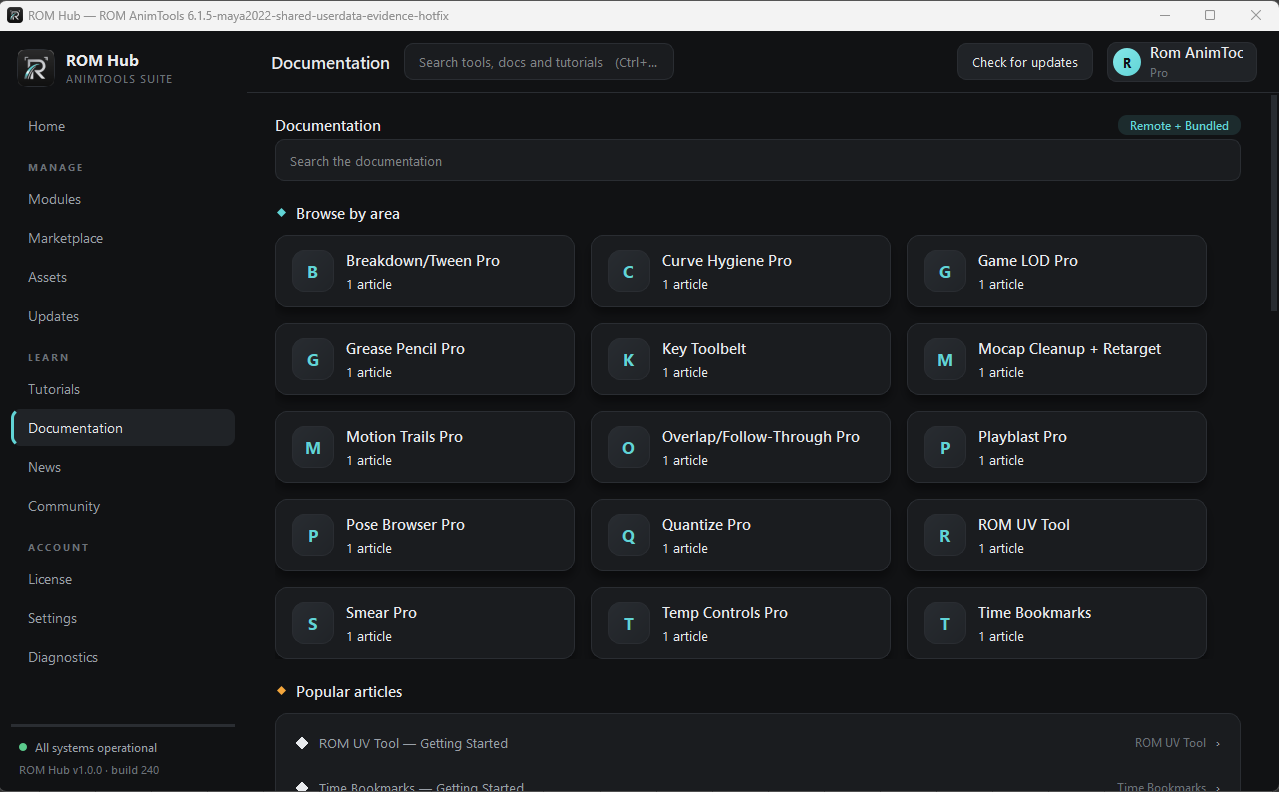
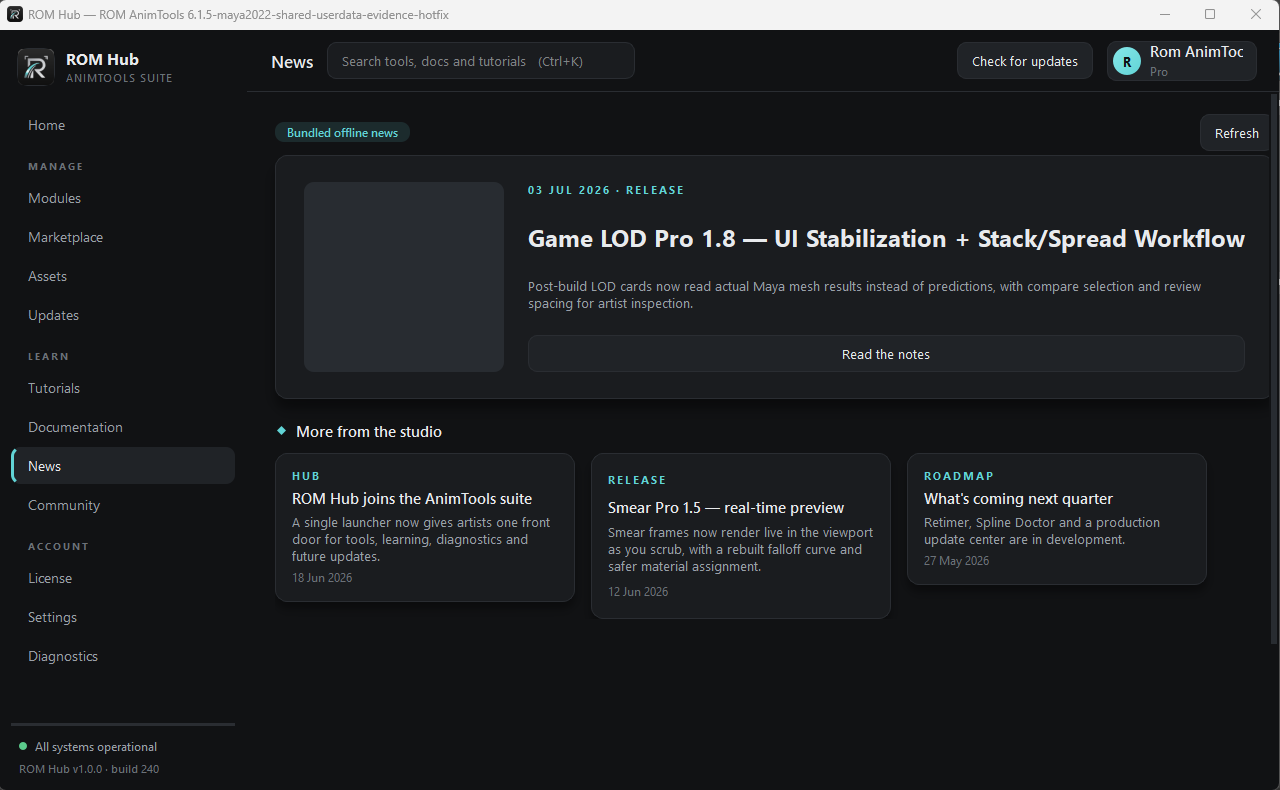
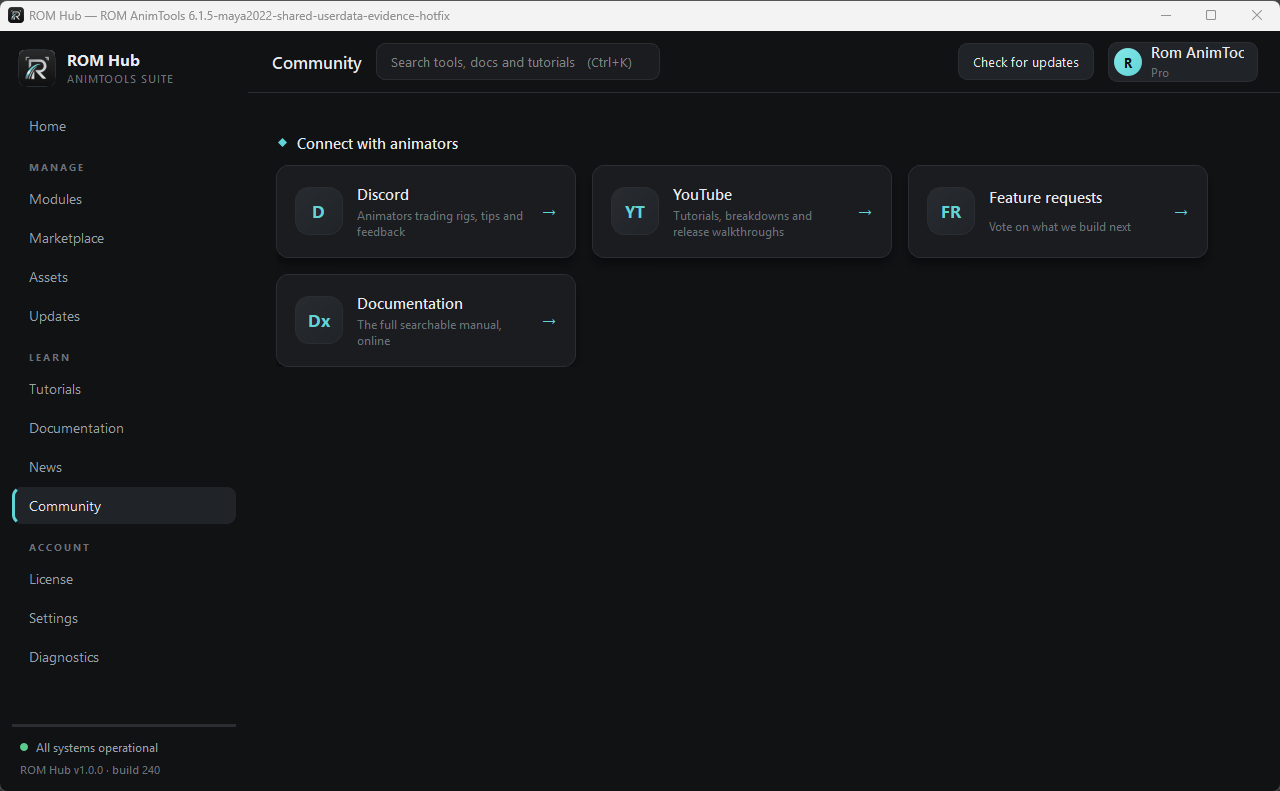
What’s in it.
Manage
- Modules
- Every installed tool, its version and update state. Launch tools from one place.
- Marketplace
- Animation packs, poses and drawing assets delivered through ROM Hub.
- Assets
- Verify installed Marketplace content and open it in the tool that consumes it.
- Updates
- Entitlement-filtered updates on your Stable or Beta channel.
Learn
- Tutorials
- Task-based lessons available from the same workspace as your tools.
- Documentation
- Searchable bundled and remote documentation organized by tool.
- News
- Release notes, product updates and roadmap stories synchronized with the website.
- Community
- Direct routes to Discord, YouTube, documentation and feature requests.
Account
- License
- Activate your plan and resolve the Pro entitlement set.
- Settings
- Manage paths, channels and Hub preferences.
- Diagnostics
- Inspect installation, version, platform and update evidence when support is needed.
Updates are deliberate, verified transactions.
You choose when
The Hub tells you what is available. Nothing needs to replace a working tool in the middle of a shot.
Artifact verification
Packages are checked against their publication metadata before installation, then verified through the Hub transaction path.
Filtered to your plan
The update and Marketplace surfaces resolve what the signed-in customer is entitled to use.
Restart authority
Code-bearing updates surface restart-required state so Maya runtime and installed version authority can converge cleanly.
When something goes wrong, Diagnostics is the first stop.
Diagnostics is designed to expose the installation, version, platform and update evidence needed to understand a customer problem without guessing.
Your next shot is waiting.
Download ROM Starter free, launch it inside Maya, and feel the difference on your very next pose.